







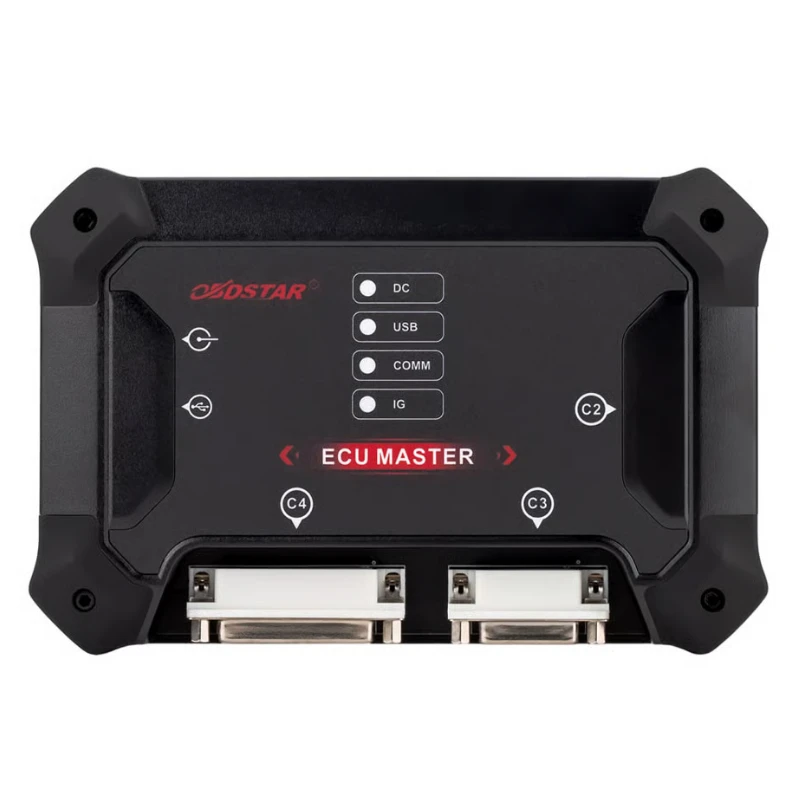
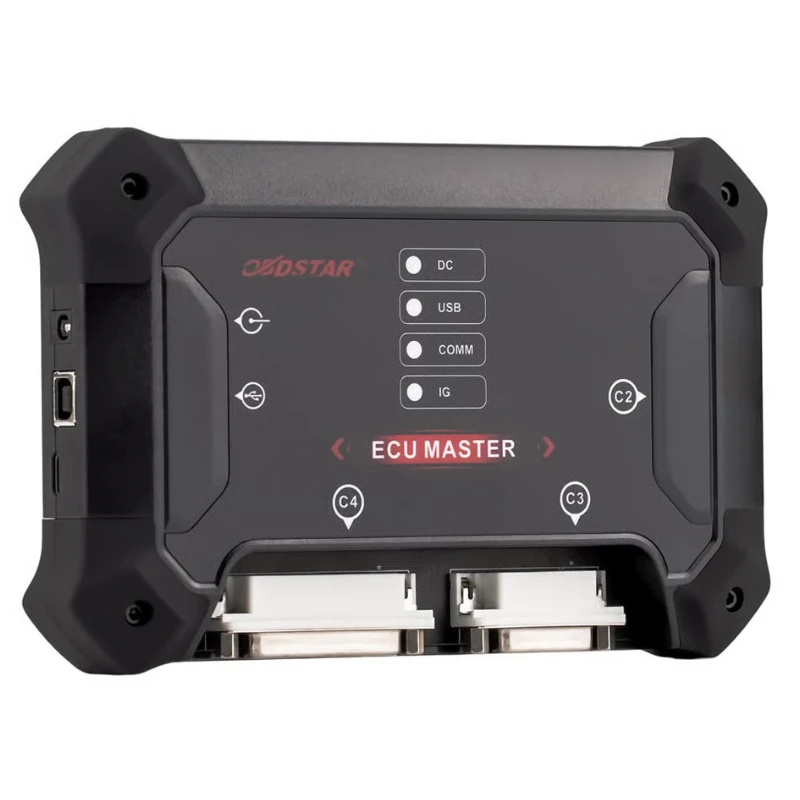
OBDSTAR ECU Master Configuration A for Passenger Car and EV Car TCM ECM BCM BMS VCU
OBDSTAR ECU Master Configuration A for Passenger Car and EV Car TCM ECM BCM BMS VCU
Product Description
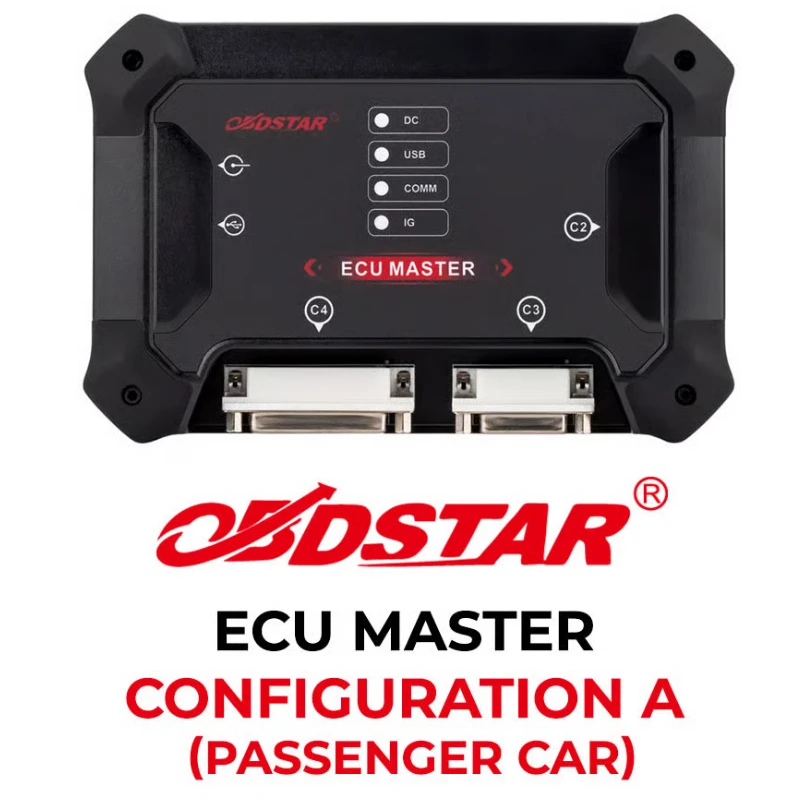
New OBDSTAR ECU Master Configuration A for Passenger Car and EV Car TCM ECM BCM BMS VCU A is the first professional PC-based ECU Flasher Tuning Tool from OBDSTAR.
Product Weight: 1800g
OBDSTAR ECU Master Configuration A Specs
Manufacturer: OBDSTAR
Condition: New
Operating System: Windows 10 or above
CPU: STM32H723, STM32F407
Protocol: CAN(ISO 11898), J1708, ISO 15765, SAE J1939, ISO 9141, ISO 14230(KWP2000), SAE J1850, etc
R/W Mode: OBD, BENCH, J-TAG/BDM
Working Voltage: DC14V/24V
Working Temperature: -10℃—55℃(14℉—131℉)
Storage Temperature: -20℃—70℃(-4℉—158℉)
Dimension: 176mm115mm31.7mm
Warranty: 1 year
Software Upgrade: OBDSTAR ECU MASTER COVERAGE A (Passenger Car ECU)
More Details
OBDSTAR ECU Master Configuration A for Passenger Car and EV ECU MASTER Configuration A is the first professional PC-based ECU Flasher for OBDSTAR and supports Passenger Car ECM/TCM/BCM clone functions.
It is compatible with ECUs from major global brands, provides precise maintenance for popular units, and is equipped with anti-misoperation reminders, allowing even beginners to get started quickly.
Support Functions
Passenger Car ECM / TCM / BCM Cloning
Support Reading and Writing ECU units of thousands of car models:
BOSCH MED/EDC17 series
CONTINENTAL SIMOS series
GPEC series
DELPHI series
DSG TCM units
MB FBS4 series units
etc.
Supports ECU Advanced Functions
CheckSum
IMMO Data Convert
IMMO Data Decryption
IMMO OFF/ON
Coolant Temperature Sensor Calibration
Mileage Calibration
ECU RunTime Calibration
VIN Read/Write
Virgin Reset
etc.
Support Models
1. MERCEDES-BENZ
Support MERCEDES-BENZ FBS3, FBS4 TCMs VIN Read/Write function via BENCH, Reset Virgin, Personalization (Data Transfer).
2. AISIN
Support AISIN SH7058, SH7055, D70F4019, R7F701204 series TCMs ECU Cloning function.
3. BMW
Support BMW 8HP GEN3 TC275/TC277 TCMs ECU Cloning function via BENCH mode.
4. JAGUAR/LAND ROVER
Support JAGUAR/LAND ROVER 8HP GEN3 TC275, 9HP50 TC275 TCMs ECU cloning, VIN Read/Write functions via BENCH mode.
5. HYUNDAI/KIA
Support HYUNDAI/KIA CANFD KEFICO CPSCU1.11.3 TC233 SBW(ETCM) ECU Cloning function.
6. FORD
Support FORD MG1/MD1 GEN2 CANFD type ECUs R/W via OBD/BENCH mode, covering after 2020 locking types:
MD1CP061
MD1CS025
MD1CS027
MG1CS036
MG1CS040
MG1CS060
MG1CS055
7. VW
Support VW SIMOS series, ME17 series, EDC17 series INT eeprom (Data Transfer)(ECU Cloning).
8. MAGNETI MARELLI
Support MAGNETI MARELLI 11GB, 11GC, 11GDB, 11GF, 11MP series ECU Cloning function via BENCH mode.
9. BMS/VCU ECU Cloning
Support BMS/VCU ECU Cloning function via BENCH mode:
GEELY VCU BOSCH VC1-UP008.0 TC275TP
GEELY VCU BOSCH VC1-UP008.1 TC387QP
GREATWALL VCU BOSCH VC1-UP008.1 TC387QP
SAIC VCU BOSCH VCUP8.2 SPC574K
BYD YANGWANG VCU BOSCH VCU8.5
AUDI/VOLKSWAGEN/SEAT/SKODA BMS BOSCH INVCON3.3 TC275TP
AUDI/VOLKSWAGEN/SEAT/SKODA/GEELY BMS BOSCH INVCON2.3 TC1797
10. CHINA DELPHI
Support CHINA DELPHI MT series flash/eeprom R/W, VIN Read/Write functions.
11. FIAT/ALFA ROMEO/FERRARI
Support FIAT/ALFA ROMEO/FERRARI MB91F526 BSI ECU Cloning function and IMMO Data Decryption (BCM250X、BCM952/BCM949...).
OBDSTAR ECU Master vs DC706
ECU Master is PC-based; DC706 is standalone.
ECU Master offers optional airbag and heavy-duty modules; DC706 does not.
ECU Master includes MP001, P003 and CAN FD built-in; DC706 requires separate purchase.
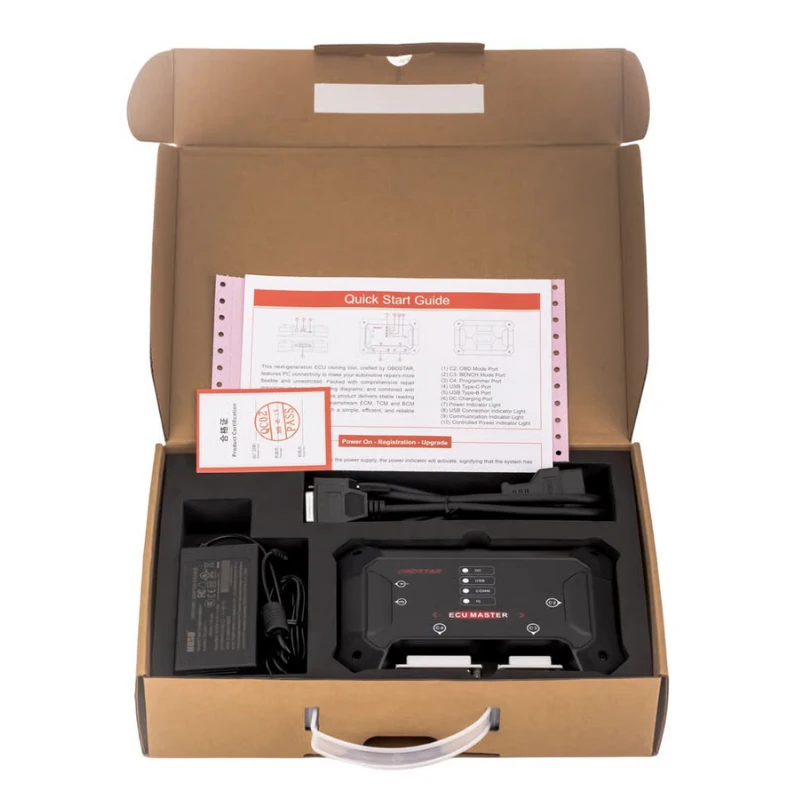
Package Includes
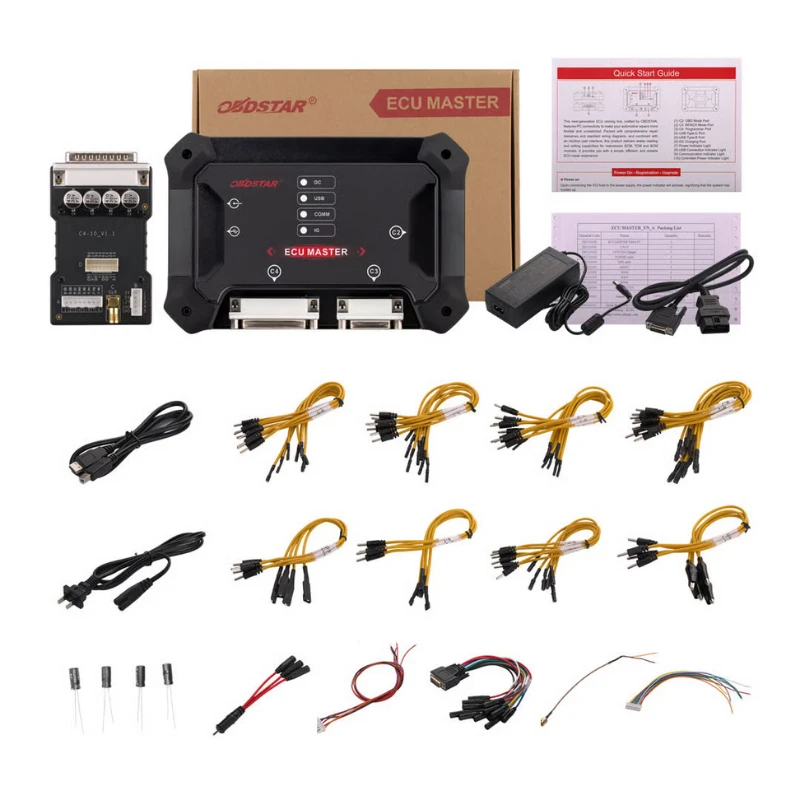
1pc x ECU MASTER Tablet
1pc x C4-10
1pc x Charger (14V 4.28A)
1pc x Power cable
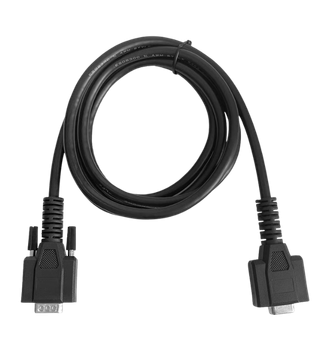
1pc x USB cable
1pc x 3-in-1 jumper cable
4pcs x J-A jumper
9pcs x J-B jumper
7pcs x J-C jumper
8pcs x J-D jumper
8pcs x J-E jumper
4pcs x J-F jumper
6pcs x J-N jumper
4pcs x J-O jumper
1pc x M001C
1pc x W004
1pc x W005
1pc x W006
1pc x BENCH-C-V1
OBDSTAR ECU Master FAQ
Q: What are the differences between the ECU cloning functions of ECU MASTER and KEYMASTER G3?
A: Currently, the passenger car cloning functions are identical on both devices. However, the KEYMASTER G3 does not yet support commercial vehicle ECU cloning.
Q: Does ECU MASTER have an annual subscription fee?
A: Yes, it does. Upon registration and activation, ECU MASTER comes with a complimentary 12-month subscription period. Renewing before your subscription expires qualifies you for an exclusive discount. The price reverts to the standard rate upon renewal after expiration.
Q: If I do not renew my ECU MASTER subscription, will it affect the device's functionality?
A: The subscription is only related to software updates and downloads. After the subscription expires, the functionality of the software already downloaded will not be affected.
Q: Does using ECU MASTER require an external power source?
A: Due to the high power requirements of ECU units in some vehicle models, we recommend using a professional adjustable regulated power supply when connecting the ECU MASTER to the ECU to ensure a stable connection. Please set the appropriate voltage according to the device operation guide. The device supports a maximum power supply of 26V 5A.
Q: Which computer operating systems are compatible with ECU MASTER software?
A: Currently, ECU MASTER supports installation and use on computers running Windows 10 or later versions.
Q: After purchasing ECU MASTER, how do I activate it?
A:
After purchasing the ECU MASTER, visit the official website www.obdstar.com.cn → Service → Download. Download and install the [ECU MASTER] software.
Use a Type-B USB cable to connect the ECU MASTER main unit to your computer and launch the ECU MASTER software.
Go to [Personal Center], click [User Registration], and follow the prompts to complete the registration. Activation is complete once registration is successful.
Log in to your personal account, return to the main interface, click [Upgrade], check all items, and complete all software downloads to begin normal usage.
Related products
Frequently Bought Together
No frequently bought products found!
Products from this Seller
View All
CGDI FC200 DAP Adapter for CG FC200 Programmer
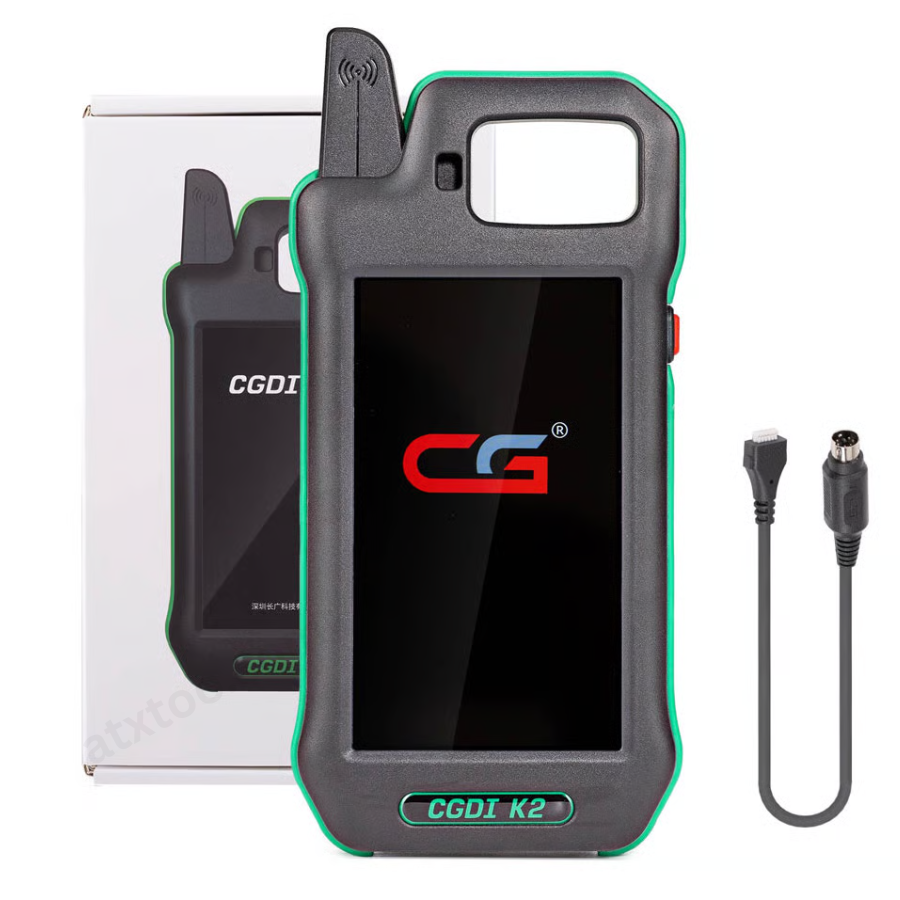
CGDI K2 WiFi Professional Smart Locksmith Key Tool and Remote Generator
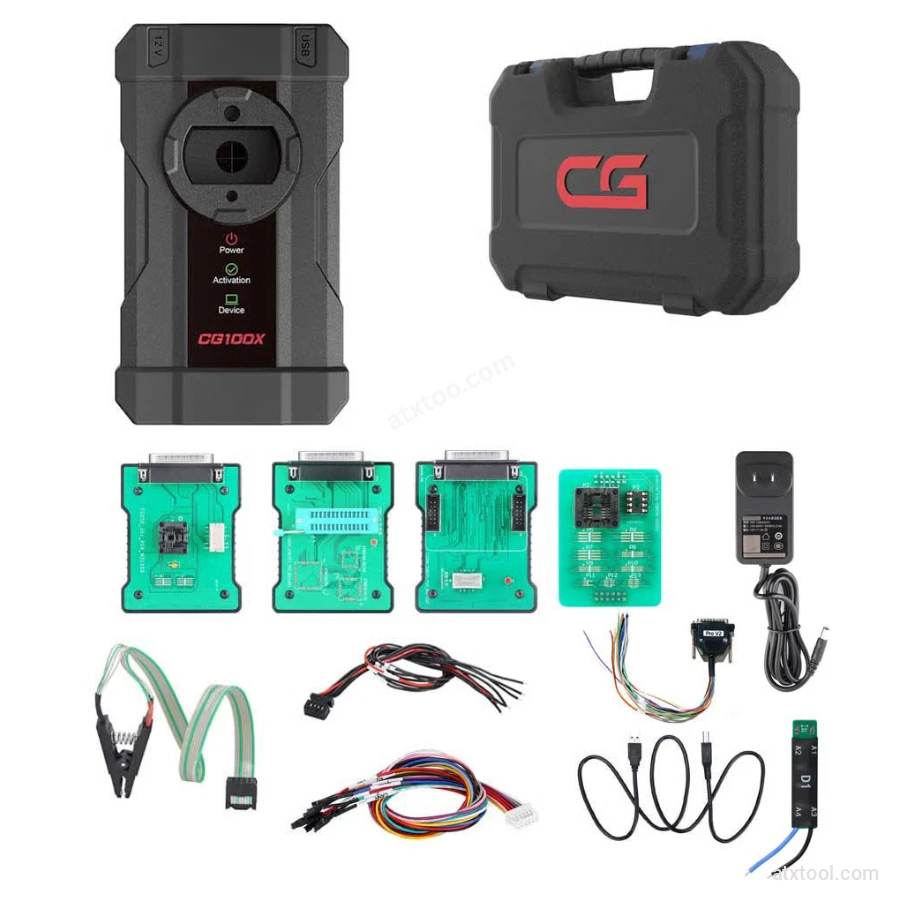
CGDI CG100X New Generation Smart Car Programmer
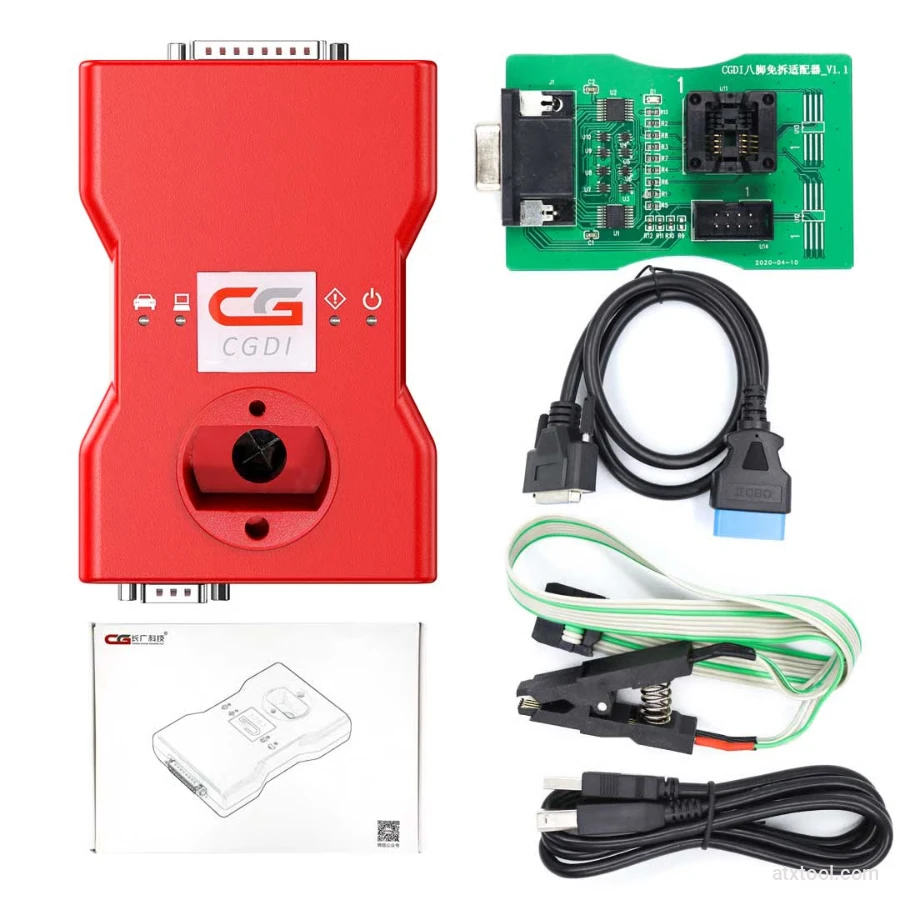
CGDI BMW Full Function Version MSV80 Car Key Programmer
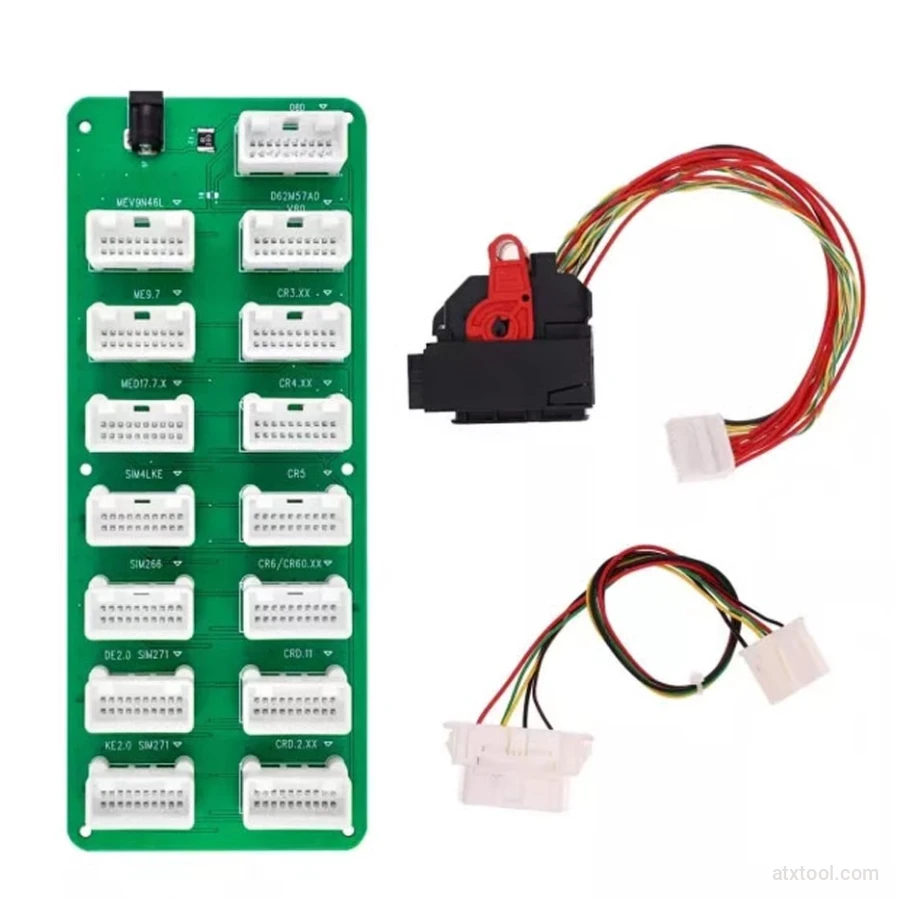
CGDI DME-DDE ECU Connecting Board and Testing Cable
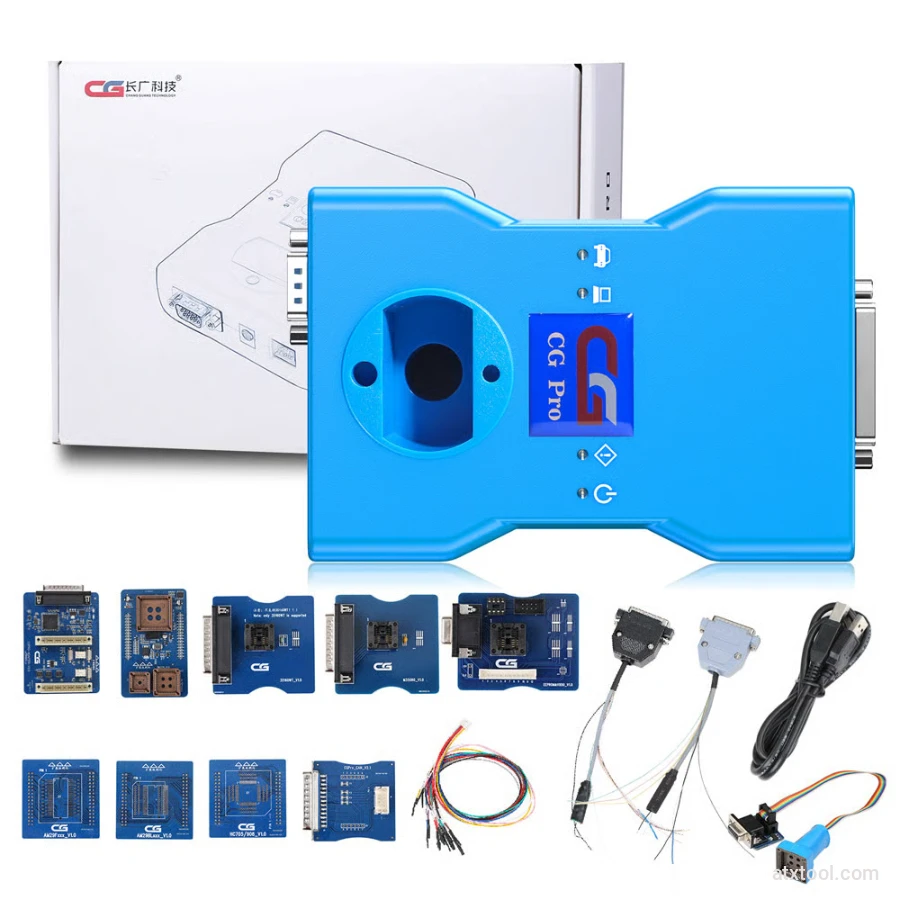
CG Pro 9S12 Programmer Full Version with All Adapters
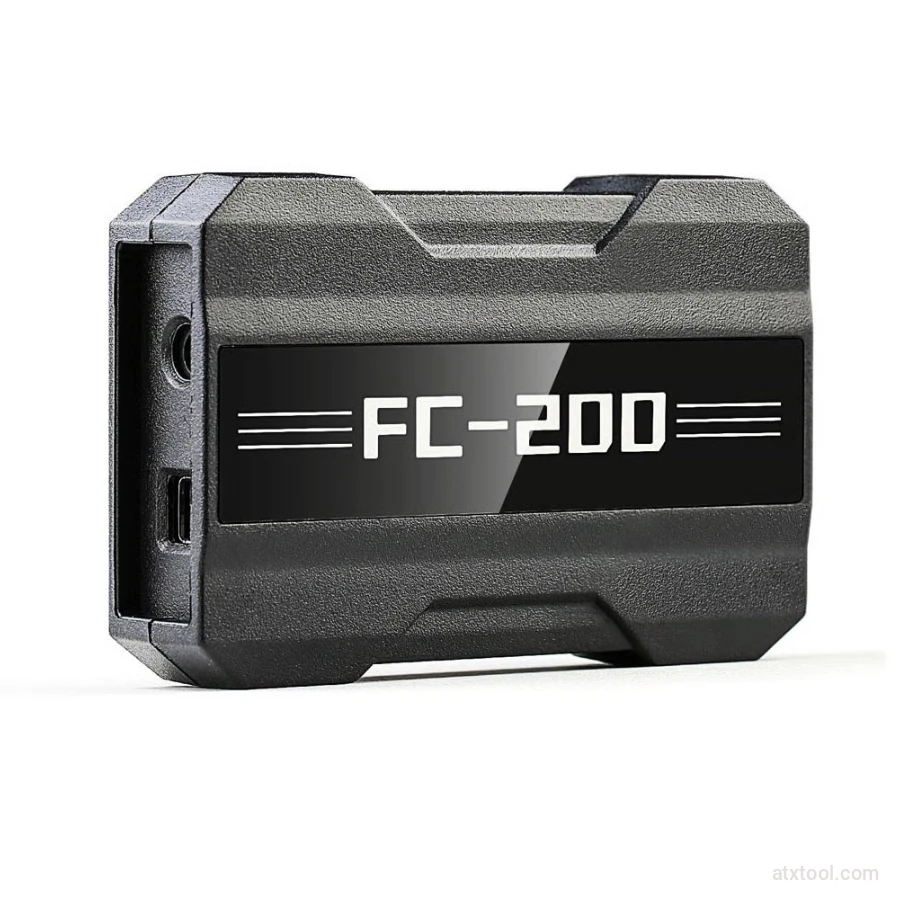
CGDI CG FC200 ECU Programmer Full Version
CGDI Super Kilometer CAN Filter Mileage Correction Emulator
Autel MaxiIM IM508S Key Programming Full Package Bundle
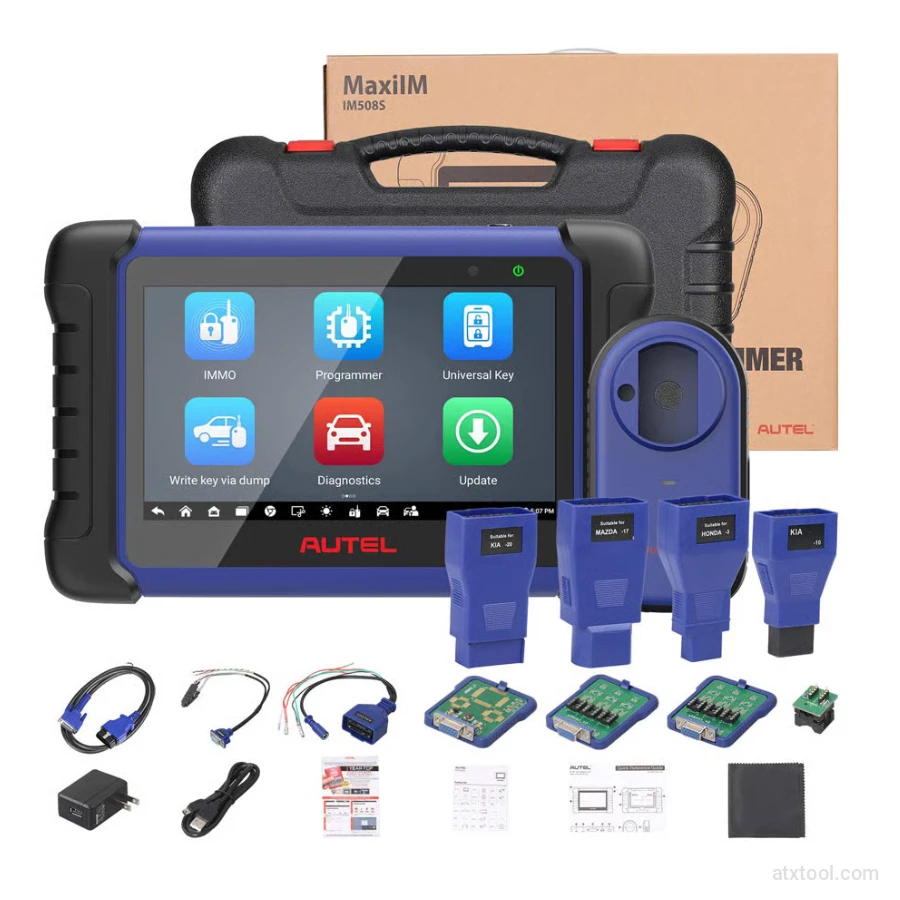
Autel MaxiIM IM508S Key Programming Service Tool Device
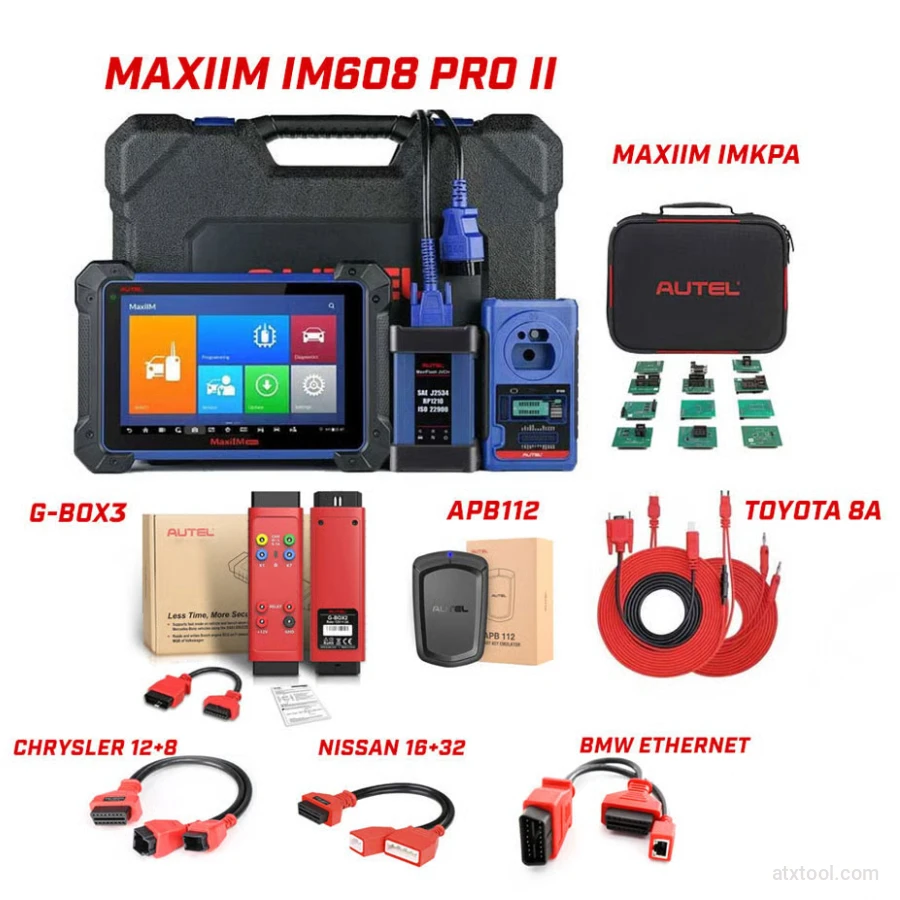
Autel MaxiIM IM608 PRO II Key Programming Tool Full Adapters Bundle
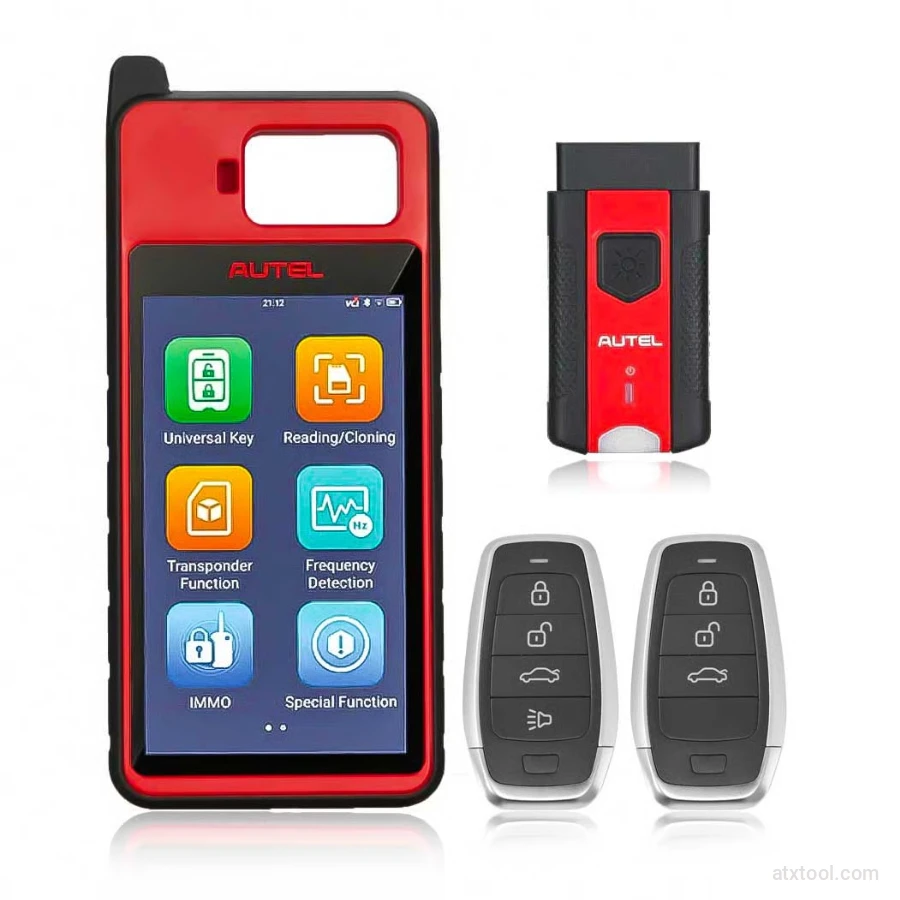
Autel MaxiIM KM100 Universal Key Generator and IMMO Tool
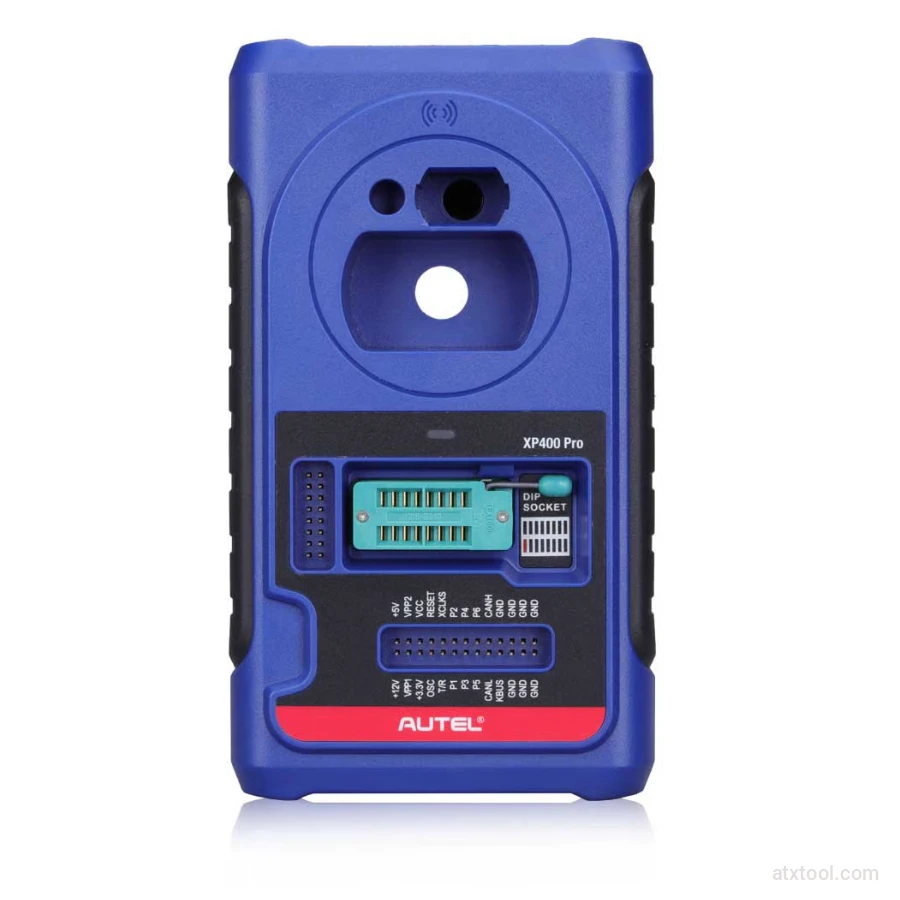
Autel XP400 PRO Key and Chip Programmer
Autel G-BOX2 Key Programming Adapter for Mercedes and BMW Vehicles
Autel MaxiDiag MD909 Pro Professional Scan Tool
Autel MaxiSys Ultra Advanced OBD2/CAN Diagnostic Tool
Autel MaxiSYS MS909EV Tablet Diagnostic Tool
Get In Touch With ATXTool




Share with Friends
Trading is more effective when you share products with friends!Share you link
Share to